Why picking an MSP in LA is different
Los Angeles has one of the deepest managed service provider (MSP) markets in the United States, but the density cuts both ways. Buyers in Century City, El Segundo, Burbank and Downtown routinely see 20+ credible proposals for the same 25-seat engagement. The prices look similar, the logos look similar, and the sales decks all promise "24/7 proactive monitoring." Choosing well requires cutting past the marketing to the operational reality.
This guide walks through the shortlist criteria our editors apply when we vet providers for the LosAngeles.IT directory — and that you can use directly in your own RFP.
1. Match the coverage model to your work pattern
Not every LA business needs true 24/7 support. A post-production house in Culver City that renders overnight absolutely does. A boutique law firm in Beverly Hills that closes at 6pm probably doesn't — and paying for after-hours coverage you never use is a common six-figure mistake.
Ask candidates for their on-call staffing model in writing: how many engineers are on the rotation, where they physically sit, what the escalation path looks like at 2am on a Sunday, and how often the on-call rotation actually gets paged. Providers with healthy operations can answer this in under a minute.
2. Verify their LA density, not just their LA address
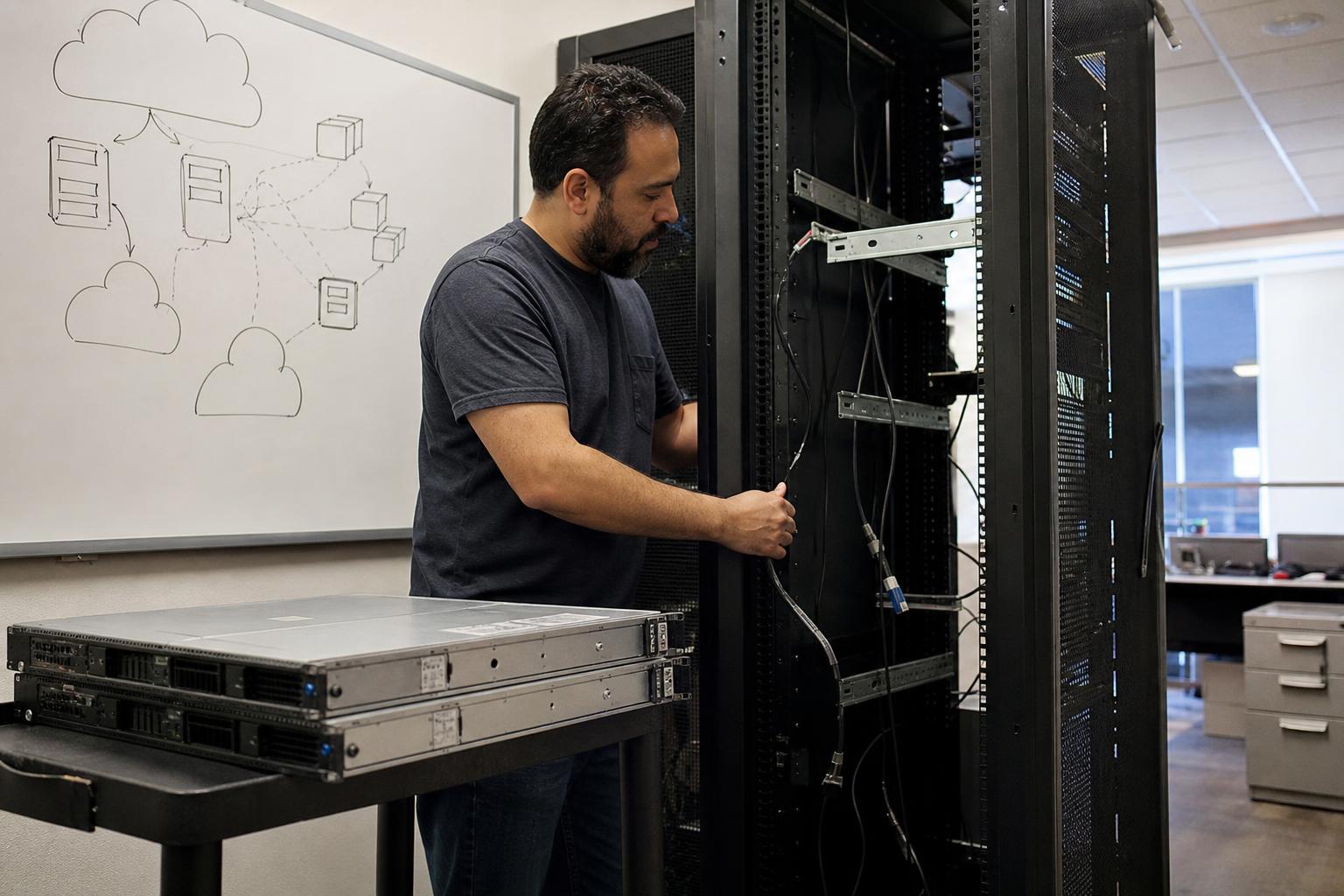
A "Los Angeles MSP" whose nearest technician lives in Riverside will struggle on the days you need hands on a switch in Playa Vista. For any provider claiming LA coverage, ask:
- How many full-time engineers live within 25 miles of your office?
- What is your average on-site response time by zone (Westside, Downtown, Valley, South Bay)?
- Which LA-area clients of a similar size can we reference?
3. Insist on a real security baseline
The floor in 2026 is not negotiable: MFA everywhere, EDR (not legacy AV) on every endpoint, immutable backups tested quarterly, a documented incident response plan, and either SOC 2 Type II or a comparable third-party attestation. If a candidate hedges on any of these, move on. LA has enough qualified providers that you don't have to compromise.
4. Read the contract before you read the pricing
The three clauses that quietly cost buyers the most money are:
- Auto-renewal windows — some are 90 days, meaning you must give notice before you've even finished onboarding.
- Out-of-scope hourly rates — the "all-inclusive" plan often excludes projects, cabling, moves, and after-hours work.
- Data egress on offboarding — make sure you own your documentation, passwords, and backups, and that handoff is included in the base fee.
5. Talk to references who left
Any provider can produce three happy references. The more revealing conversation is with a former client. Ask candidates for one client who offboarded in the last 18 months and why. Providers who can answer that question honestly are the ones worth hiring.
6. Price benchmarks for LA in 2026
For a fully-managed engagement (helpdesk, endpoint management, patching, backup, EDR, basic security tooling, and quarterly strategy), current LA market rates cluster in these ranges:
- Small (10–25 seats): $145–$195 per user per month
- Mid (26–100 seats): $125–$170 per user per month
- Larger (100+ seats): $95–$140 per user per month, often with a base platform fee
Bids meaningfully below these ranges usually indicate either scope gaps or a labor model that won't survive contact with a real incident. Bids meaningfully above should come with a clear, defensible reason — regulated industry, unusual hours, custom SLAs.
Where LosAngeles.IT fits
Our directory only lists providers who've passed a documented editorial review — verified LA presence, security baseline in place, real customer references, and no undisclosed pay-to-play. Start your shortlist there, run the six checks above, and you'll get to a defensible decision in weeks rather than months.